How to check a music venue’s accessibility before booking in Canada
Check audience and performer routes separately, work through access needs with the venue and turn confirmed details into useful ticket information.
Before booking a Canadian music venue, verify two routes for the actual show layout. Check how audience members get from arrival to seating and washrooms, and how performers get from load-in to the stage and backstage facilities. Ask who can confirm changes, then publish the access details guests will need.
Key takeaways
- Ask for details about the exact room, even if the venue has a building-wide access page.
- Ask the artists which parts of the setup they need to check, and share their requests only with the people arranging support.
- Give every unresolved item a person responsible and a reply date before announcing the show.
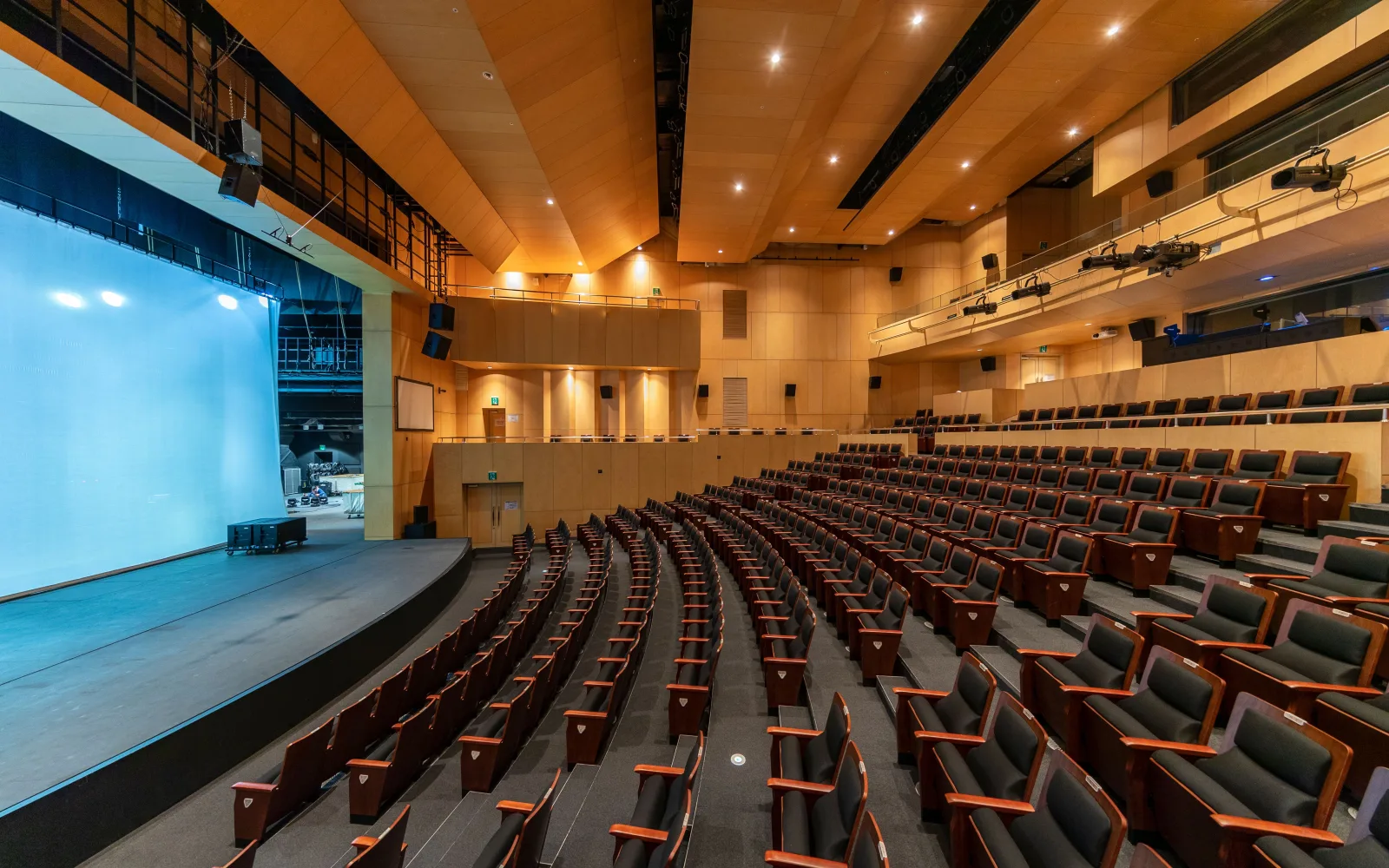
Which routes should you check before choosing a room?
Ask the venue to walk through both routes using the setup for your show. The front entrance might work while reserved seating, washrooms or backstage spaces still require another route. Ask what changes when the room switches from seated to standing. The Music Gallery in Toronto publishes access information by event because it presents in different spaces. In Québec City, La Chapelle Spectacles provides specific entrance and seating information and asks visitors to check availability for their needs.
Check the view from each proposed seating area after the floor plan is set. Ask whether a standing crowd could block the stage, whether companions can sit together and how staff can keep the route clear as people queue for tickets or refreshments.
Walk through both routes with the venue
Scroll horizontally to read the table.
| Route | Places to check | What to confirm |
|---|---|---|
| Audience | Drop-off or sidewalk, door, ticket check, viewing area, washroom and exit. | Shortest usable route, any detour, seating options and how to request them. |
| Performers | Arrival or load-in, dressing room, washroom, stage position and exit. | Which paths stay available from soundcheck to the end of the show. |
What should artists ask for in an access rider?
An access rider records the support an artist needs to take part comfortably and safely. Use the Better Backstages template as a starting point. A band can ask for a step-free path to its playing position, a place to rest between sets or a visual cue for stage calls. Describe what the crew needs to arrange. Ask the artist which details may be shared and with whom.
Turn a request into a show-day instruction
- Describe the task and spot. For example, request a seated waiting area near the stage door before the set.
- Have production identify the exact location and who will make it available.
- Share the confirmed instruction with the people doing the work. Keep the artist’s personal details in the private conversation.
What if the audience route works but the stage route does not?
Treat that as an open booking decision. Ask production whether a different room or planned show layout would meet the performer’s needs. Have the artist review the proposed route and the venue confirm that the room and staff are available for the date. If you cannot get that confirmation, keep looking before paying a deposit or announcing the show.
When a path crosses a load-in area, ask production what will be stored there before doors and during the show. A clear walkthrough during a quiet afternoon can miss a bottleneck created by stacked cases. Put any agreed storage or timing change in the crew’s plan.
What access information belongs on the ticket page?
Describe the attendee’s trip in the order it happens. Name the entrance and any different door hours, explain how to request seating or supports, and give the location of accessible washrooms. Include confirmed barriers, such as steps between the main floor and an upstairs viewing area. In a standing room, confirm whether a seated viewing option is available for this show and how to arrange it.
Use the same information on the event page, ticket confirmation and door team’s notes. Give readers one contact who can answer questions about this show, and ask the venue who will update the page if the route changes. The Music Gallery’s event-by-event approach is useful for a promoter working across several rooms.
Frequently asked questions
What if I can’t visit the venue before agreeing to the date?
Ask for current photos or a live walkthrough of both routes in the planned layout. Identify any door, lift or turn where you need dimensions or a clearer view. If a route remains unclear, ask a local representative to check it with venue staff before you confirm.
What if the accessible entrance is separate from the main door?
Give the street address or a clear landmark for the alternate door, the time it will be open and how guests can reach staff if it is closed. Have the venue check the route from that entrance to ticket scanning and back out at the end of the show.
How do I check an assistive listening option for this show?
Ask what system the room uses, which seats it covers and how guests obtain any equipment. Confirm who on the sound team will make sure the device receives the show audio and when they will check it. Publish the request or pickup process once the venue has confirmed it.
What if a confirmed route changes after tickets go on sale?
Confirm the new route with the venue and contact anyone who arranged access using the old information. Correct the event page and ticket communications, put the new directions at the old entrance if needed, and brief the door and production teams so people get the same answer.
Official sources
MusicList
Your music belongs here.
Artists, musicians and music-industry professionals: claim your free profile to unlock smartlinks, a shareable press kit, and direct booking inquiries.
Find my profileRelated guides
MusicList
Your music belongs here.
Artists, musicians and music-industry professionals: claim your free profile to unlock smartlinks, a shareable press kit, and direct booking inquiries.
Find my profile