How to collect recording session credits in Canada
Build a track-by-track credit sheet with your producer, confirm names and roles, and hand it off with the right masters. Includes a worked example.
Last reviewed 2026-11-06 · quarterly review cadence
Assign one person to keep a recording credit sheet. After each session, log the track, version, contributor’s preferred credit name and exact role. Ask contributors to confirm their rows while the session is fresh. Before release, reconcile the sheet against the final audio and send it with the masters to whoever delivers the release.
Key takeaways
- Log one contribution per row so changes to one track stay traceable.
- Distinguish who wrote the song, who performed on this recording and who worked on the sound.
- Include unresolved entries in the handoff with a person responsible and a deadline.
Who should keep the credit sheet during a recording session?
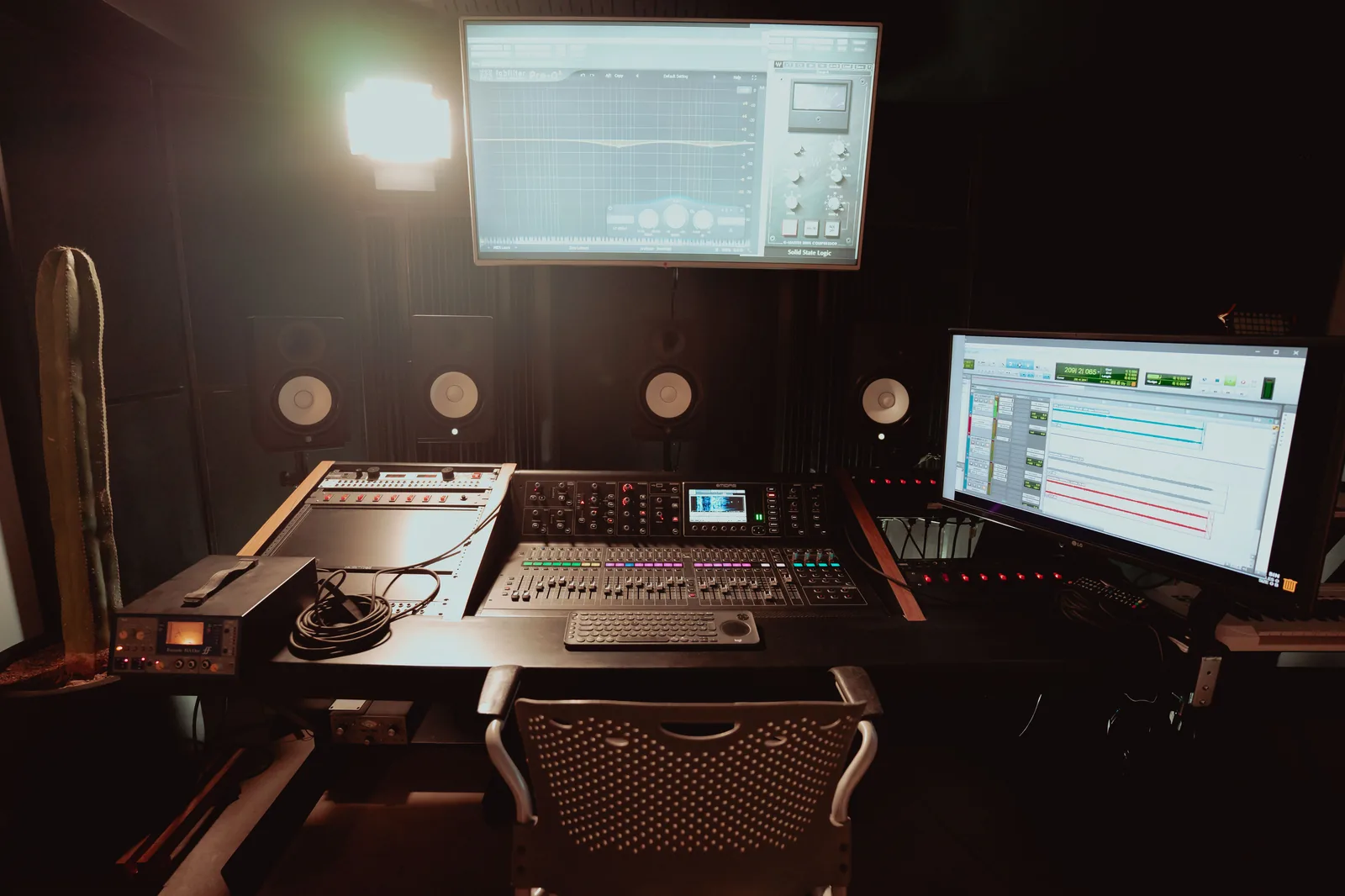
Agree before tracking on who records contributions, who confirms them and who receives the final sheet. The producer might know which parts were played, the engineer can connect takes to files, and the artist or project lead can ask a guest to confirm their billing. One person should maintain the current copy even when several people contribute notes. Ask who covers that job if the next session is at a different studio.
DDEX’s studio metadata guidance covers contributors, roles, session details and file logs. A small project can borrow that structure in a shared sheet. On November 6, 2026, MusicList’s Canadian producers and engineers category showed 202 dedicated profiles. When you shortlist a collaborator, read the role attached to a relevant credit and ask who will prepare the credit handoff for your project.
What goes in a track-by-track recording credit sheet?
Start with a stable working track ID and a version label your team can match to the audio. Add the session date and location, the contributor’s confirmed display name, and the instrument or job. Keep the working title alongside the final title if it changes. Mark each row as confirmed, to verify or excluded from the final version. A status makes a missing answer visible without guessing.
Separate technical and performance roles from songwriting in your records. If one person played keys and engineered the session, give each contribution its own row. For a Canadian example, MROC’s repertoire form asks for a track title, artist or band, recording location, and featured and background or session performers. Use the recipient’s form for the actual submission and keep your fuller working notes separately.
Three kinds of credit to track separately
Scroll horizontally to read the table.
| Record | What to capture | Who to check with |
|---|---|---|
| Performance | Instrument or vocal part, track and version | Performer and session lead |
| Production and engineering | Specific role and files or sessions it applies to | Producer or engineer for that role |
| Songwriting | Names and writing roles for the underlying song | Co-writers or their designated contact |
How do you confirm credits when the final take changes?
Run a credit check when the producer signs off on the final recording. Attendance tells you who was in the room. To know which contributions survived, ask the producer or engineer to compare the notes with the approved edit. Keep removed performances in your private session history so the decision is traceable. Reconcile overdubs recorded later or at home the same way.
Send each person the rows that concern them. Ask for corrections to spelling, accents and role, and confirm which parts remained in the final version. Resolve a disagreement with the people who made the recording and the person who has the relevant agreement. Leave the item open while it is being checked.
What should you send with the masters to the label or distributor?
Send a dated copy of the confirmed credits with the final track titles, exact master filenames and recording identifiers already verified for those recordings. CONNECT Music Licensing explains that an ISRC identifies a specific recording. If a code has yet to be assigned or checked, flag that field and tell the delivery owner who will resolve it. Avoid copying an identifier from a similarly named file or alternate version.
Ask which credit roles the delivery service accepts and how it handles unsupported roles. Spotify says the credits it displays come from metadata sent by the label or distributor, and some distributors do not support credits. Keep the full approved record even if the upload form has fewer fields. That copy gives you a reference if a credit needs to be corrected later.
Handoff checklist
- Match each track’s final title and version to the exact master filename.
- Name the person who will enter the credits, and set a deadline for unresolved entries.
- Save the delivered copy with its date so the team can compare it with what appears after release.
What should you agree on before booking the next session?
Show the next studio or producer a blank row from your sheet when you discuss the scope of work. Ask whether the team can share a dated session log and who will identify the final takes or overdubs. Decide whether they will confirm credit details directly or send notes for you to reconcile. An answer such as “I’ll send the track notes at the end of the day” is more actionable if it names the format, the recipient and who will add later edits.
If your release spans several rooms, ask each team to keep your working track IDs in their notes. If you hire a separate mix engineer, send the current sheet with the file handoff and ask them to add their own role. Agree on a final reconciliation date before the upload, especially if two people are working on different revisions at once.
Frequently asked questions
Do we need a special app for studio credits?
A shared sheet can work for a small team if everyone can identify the current copy and match rows to the audio. DDEX’s RIN is an industry exchange standard. Ask the recipient if they need a particular export, and keep your source sheet in a format the team can access later.
What if a contributor uses both a stage name and another name?
Ask what name should appear publicly for the specific role. Keep any other name the delivery team or repertoire administrator requires in a separate field with limited access. Check the recipient’s instructions before sending it. A spelling decision for the credits on a cover does not settle every metadata field.
Can the same sheet be used to register performer repertoire?
Use it to gather facts before filling in the recipient’s form. For example, MROC asks for information about the recording as well as the people featured or playing in the background. Confirm the required roles and fields directly. Keep private contact information in the appropriate submission rather than circulating it in a public credit list.
What if Spotify shows the wrong credit after release?
Send the label or distributor the affected track link, the exact correction and the relevant row from your confirmed sheet. Include the ISRC if you have verified it for that recording. Spotify directs artists to the label or distributor to resend corrected credits. Ask the delivery team to tell you when it has sent the update.